Power a City Guides & How-To Tutorials
Deep walkthroughs for the Power → Battery → Sell loop, upgrades, and PvP theft.
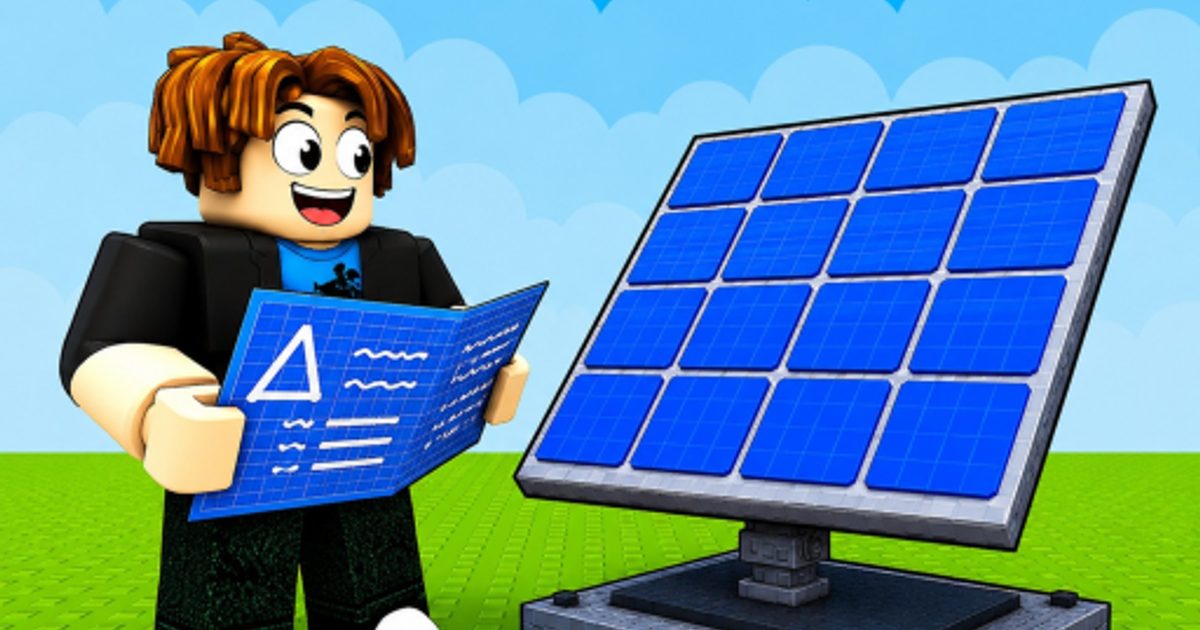
Welcome to the Power a City Guides Hub—the tutorial center for the Roblox experience Power Your City by Restore Power. Every guide here targets a real search intent: how to play, how to make money fast, how to sell, how to steal, how to protect, upgrades, city builds, controls, and balance.
If you only have five minutes, start with How to play Power a City, redeem anything listed on the Codes Hub, then return here for deeper systems.
Core gameplay loop in plain language
- Generate — place Generators so Power accumulates.
- Store — place Batteries so surplus is not wasted.
- Sell — carry or route Power into the city for Cash.
- Expand — spend Cash on stronger Generators and Batteries.
- Contest — steal from rivals or defend your own plant.
Servers are small (around six players), so theft and defense matter earlier than in large tycoons. Layouts that look pretty but leave Batteries exposed will lose storage to neighbors.
Guide index
- How to play Power a City — first session checklist, HUD, and goals.
- How to make money fast — Cash loops, boost timing, and upgrade order.
- How to sell Power for cash — routes, timing, and Cash boosts.
- Power upgrades — when big Power spikes actually pay off.
- Best city build — showcase principles without maze layouts.
- Controls — Settings, codes menu, placement, and mobile tips.
- How to steal Power — when raiding helps and when it wastes time.
- How to protect Batteries — reduce losses from thieves.
- Generators vs Batteries — keep output and storage matched.
- Review — honest take on the loop, thrills, and grind.
- Rebirth guide — when to reset for permanent bonuses and how to rebuild fast.
The PC nav dropdown lists the first seven guides plus a link back to this hub when the set grows longer—open this page for the full index.
Cross-link into the Generators tier list, Batteries tier list, Best layouts, and Map & sell routes once you understand the loop. Item browsing lives under the Items Hub. New codes appear via Where to find codes.
Beginner path (first hour)
- Claim codes via How to redeem.
- Read How to play while your first Generators tick.
- Skim Controls so Settings and Claim are muscle memory.
- Balance storage with Generators vs Batteries.
- Practice one clean sell using How to sell Power or Make money fast.
- Only then attempt How to steal Power on a distracted rival.
- Tighten defense with How to protect Batteries.
This order prevents the classic mistake: wandering the map to steal while your own empty Batteries produce nothing.
Mid-game goals
Mid-game players usually stall because generation outpaces storage or the opposite. Revisit the balance guide, then spend Cash with Power upgrades and tier lists rather than buying every shiny offer. If tiers still feel out of reach after efficient dumps, plan the next reset with the Rebirth guide. Study Best city build for spine ideas. Use Updates to learn which milestones brought new codes or QoL changes, and keep the Boost timer open during promo windows.
Scripts and automation are optional and risky—skim the Scripts Hub only after you understand manual play. Official links and Discord sit on the Links Hub.
How these guides answer search questions
| Player question | Guide |
|---|---|
| How to play Power Your City | How to play |
| How to get Cash fast | Make money fast |
| Best Power upgrades | Power upgrades |
| Best city build | Best city build |
| How to steal Power | How to steal Power |
| How to protect my plant | How to protect Batteries |
| Is the game worth it | Review |
| How to rebirth | Rebirth guide |
Each article aims for practical depth: when to act, what to buy next, and which wiki pages continue the thread. Pair tutorials with the Codes Hub whenever Restore Power ships a new multiplier.
Related hubs
Jump to Tier List, Items, Tools, or Codes from any guide footer. The wiki is unofficial; always confirm surprise events in Discord via the Links Hub.
Frequently Asked Questions
Quick answers for Power a City players.
Which Power a City guide should I read first?
Start with How to play, redeem codes, then Generators vs Batteries so your plant actually stores what you produce.
Are these guides for Power Your City on Roblox?
Yes. Power a City is our wiki brand for Restore Power’s Roblox experience Power Your City.
Do I need scripts to follow these tutorials?
No. Every guide assumes manual play. Scripts are documented separately and are optional.